Note on data accuracy: The details in this Witchspire guide come from community-reported observations across recent Early Access builds. They are not officially confirmed by the developer and may shift with future patches. Treat everything below as a practical starting point, and verify anything critical in-game.
Witchspire Controls & Survival Basics at a Glance
Most new players don’t stall in Witchspire because combat is too hard — they stall because a handful of small systems are easy to miss: you can’t respec skills, fast travel only works Hearth-to-Hearth, and many crafting stations won’t run without a familiar. The steps below walk through the exact controls and survival loops you need to keep the main story moving without backtracking.

Movement, Camera and Map Controls
Before anything else, get comfortable with the two control layers: your character and the map. For the map, scroll the mouse wheel to zoom in and out, and hold right-click while dragging to pan the view across the world. On the character side, hold Ctrl to perform a dodge and evade incoming attacks. These few inputs cover the majority of moment-to-moment survival, so drill them early rather than fumbling during a boss pull.
Dodging and Reducing Fall Damage
A Ctrl dodge isn’t only for combat. Community-reported play shows you can combine a Ctrl dash with a jump before landing to reduce fall damage — useful when you’re hopping off cliffs or dropping into lower terrain. Time the dash so it lands just before you hit the ground rather than at the start of the fall.
Unlocking the Double Jump
Double jump is gated behind progression. You can unlock it either through a Spirit Sphere node in the skill tree, or temporarily via gear that grants a vigor/charge effect and certain food buffs. If you’re stuck on a jump you can’t make, that’s usually a signal you need the node or a specific buff rather than a hidden route.
Hearth Fast Travel — What Actually Works
Fast travel in Witchspire only connects activated Hearths. You cannot warp to arbitrary map pins, so don’t expect to set a custom waypoint and teleport to it. The reliable method is: stand next to a Hearth, open the map, then left-click the destination Hearth icon. If you’re already stranded somewhere, use a Return scroll or the “I’m stuck” option in the ESC menu to warp to the nearest Hearth first.
The Central Skill Tree and the No-Respec Rule
Main story quests are built around stockpiling resources and pushing the central Hearth skill tree — specifically the middle column of light nodes. Branching sideways is fine when you want to explore, but the center path is what unlocks core tools like the Broom and several key stations.
There is currently no way to respec a skill point, so read each node carefully before committing. If you overspend on side branches, you’ll slow down access to core tools.
The Broom
The Broom’s blueprint unlocks from the central skill tree. Level the middle path until it appears, then craft it at your station. Think of it as a reward for following the center column rather than a shop purchase.
Crafting Stations Need a Familiar
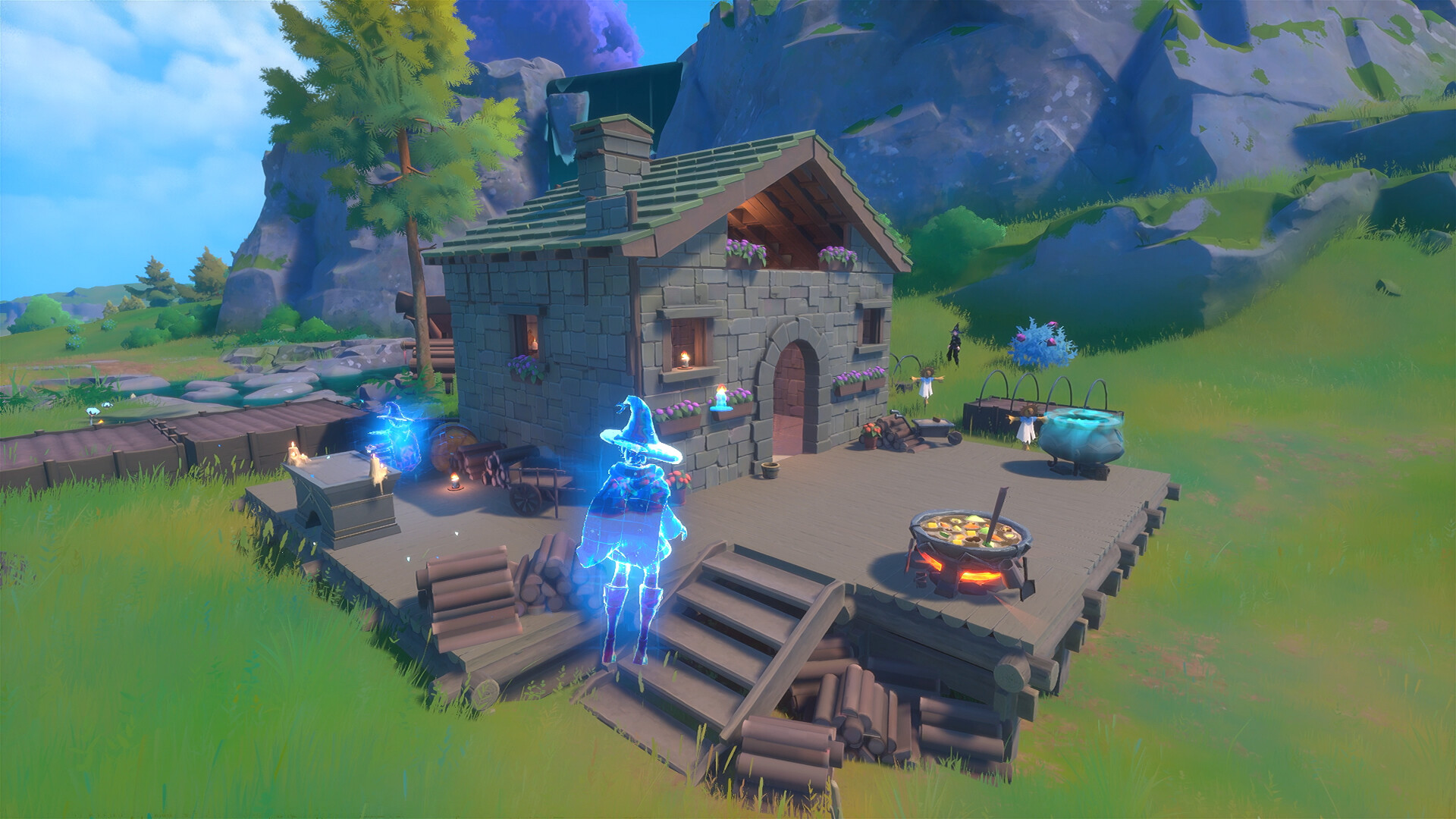
Most production buildings require a familiar to be assigned before crafting can begin. Look for the plus-icon slot on the building, match the suggested element or role shown in the hint text, and place a compatible familiar inside. Familiars can either speed up a station or unlock it entirely, depending on the building.

If a station stalls or lags, remove the familiar and assign it again — a simple re-assign commonly clears the problem.
Enemies, Bosses and Respawns
Knowing what respawns changes how you farm. Standard mobs respawn on a timer and can be farmed repeatedly, which makes them reliable for resource grinding. Bosses are one-time encounters — their drops do not respawn with the boss, so don’t plan on re-killing one for extra loot.
Your active familiars will mainly attack when you command them with Q or E, but they also chip in passively during fights. Use the commands when you want focused damage and let the passive hits fill the gaps.
Healing — You vs. Your Familiar
Not all consumables work the same way. Some restore health instantly, while others raise your maximum HP pool — worth knowing before a tough fight so you’re not “healing” by buffing your cap. The click targets matter too: left-click the item to heal yourself, and right-click the item to heal your familiar. Keeping both alive is cheaper than re-summoning.
Gardens, Hidden Chests and XP Shrines
The cozy side of Witchspire rewards attentiveness. To plant a garden, equip seeds, stand on the plot, then left-click to plant. For hidden loot, listen for a rhythmic knocking sound — that’s a bouncing loot crate nearby, so follow the noise to find it. Shrine types can look similar on the map, so read them carefully before committing to one.
Beginner Tips That Save Time
- Front-load the center column. Since respecs don’t exist, treat every side branch as a long-term commitment.
- Activate every Hearth you pass. Fast travel is worthless if the destination Hearth isn’t lit.
- Check station hint text before hunting a familiar. Matching the suggested element avoids wasted assignments.
- Re-assign stalled familiars instead of rebuilding the station.
- Farm mobs, not bosses. Standard enemies are your renewable resource loop.
- Keep a Return scroll handy so you’re never truly stranded.
Work through these in order and the early-game friction disappears, leaving you free to focus on farming routes and familiar hunting.