Witchspire Beginner Guide: Controls, Fast Travel, Crafting & More
Witchspire throws a lot of systems at you right away, and a few of them are genuinely non-obvious. This community-sourced guide walks through the mechanics that confuse most new players — from map navigation and fast travel to familiars, crafting, and healing — so you can stop guessing and start playing. Everything below comes from a player-written Steam guide, so treat it as community-reported, not official documentation.
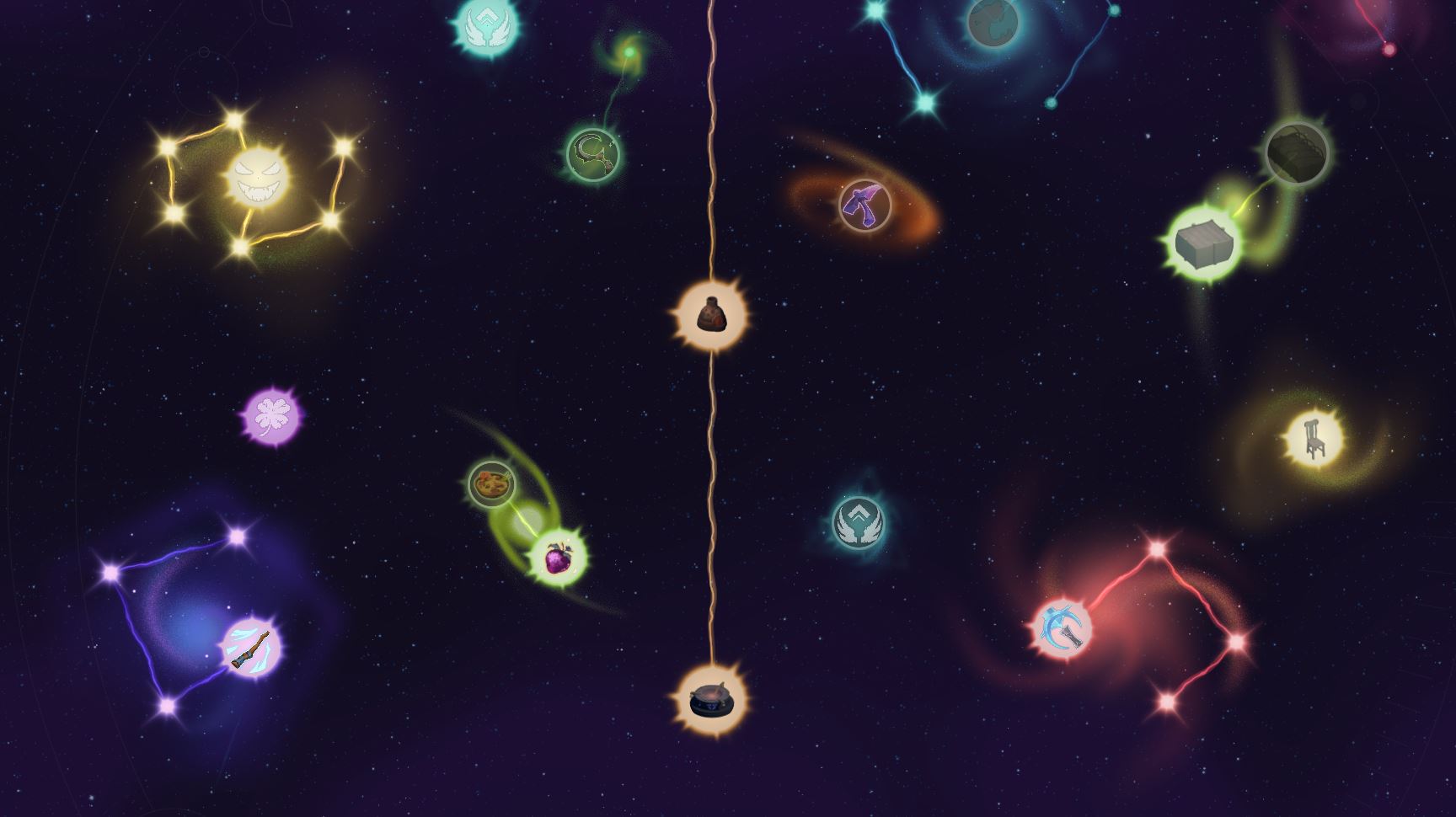
Read this first: no skill respec
Before you spend a single point, know the big caveat that the author highlights: there is currently no option to cancel or respec a skill upgrade. Once a node is unlocked, it stays unlocked. That means you should read every skill description carefully before committing and ask yourself honestly whether the ability actually fits your playstyle.
As a general rule, hoarding resources and pushing the main knowledge tree (the central column of the “light” nodes) will carry you through the core story quests. Side branches are optional — invest in them based on your curiosity, not obligation.
The game is in early access and, according to the developers, is expected to stay there for at least a year. Bugs, lag, and rough edges are unavoidable for now. If you hit a problem, capture it and report it in the official Discord (linked from the main menu on launch).
Move and read the map
- Zoom: use the mouse wheel to zoom the map in and out.
- Pan: hold the right mouse button (RMB) and drag to move the map around.
How to fast travel
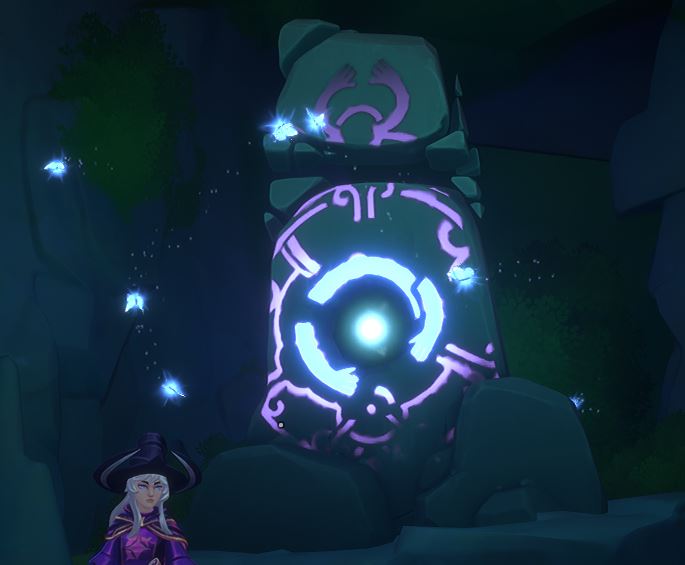
Fast travel only works from hearth to hearth — you cannot teleport from the open world. If you’ve wandered too far, do this:
- Use a Return Scroll, or press ESC and use the “I’m stuck” option to get pulled back to the nearest hearth.
- Stand next to a hearth, open the map, and left-click (LMB) the hearth you want to travel to.
- You’re instantly there.
How to dodge
Press Ctrl to dodge or roll away from incoming attacks. This is your core defensive move for both regular enemies and bosses, so get comfortable with the timing early.
How to unlock the broom
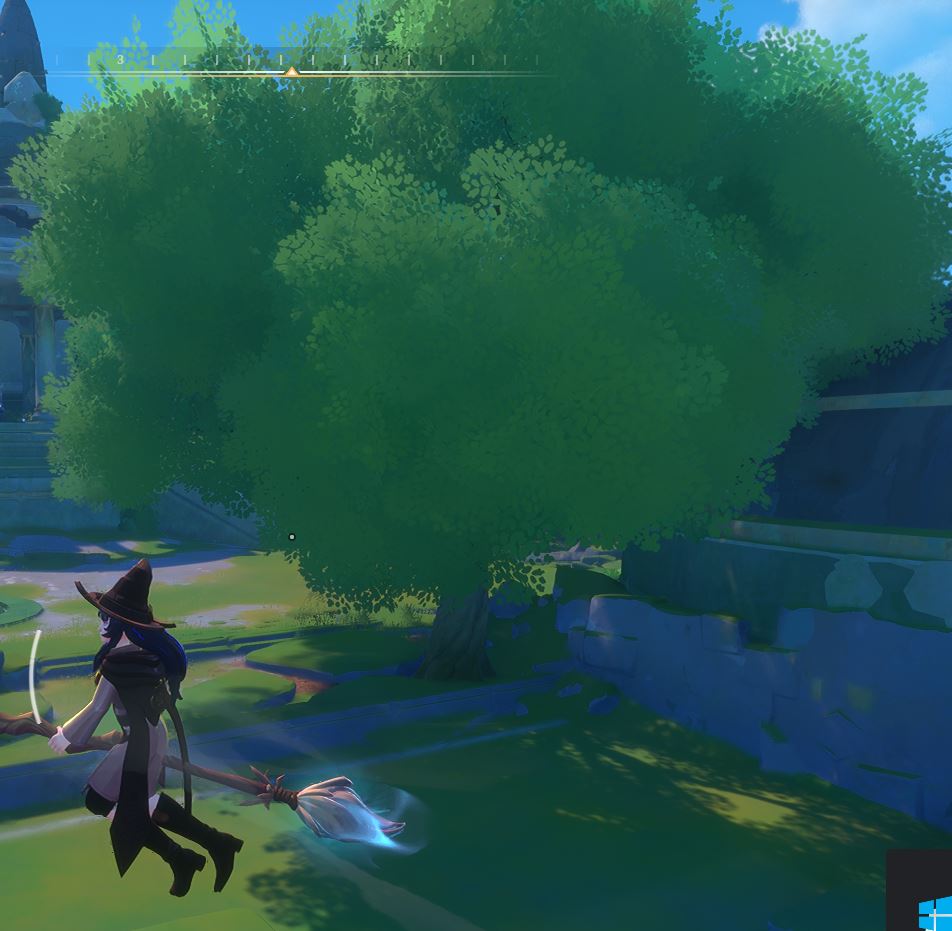
The broom isn’t available from the start. Its blueprint unlocks when you level up the main knowledge tree. Community reports say you need to invest in the center of the tree first, then craft the broom once the recipe is unlocked.
How to craft (and why familiars matter)
Most crafting stations require you to slot in your captured monsters — your familiars — before crafting will actually work. Without one, the process simply won’t start.
- Look for the slot marked with a circle and a plus sign.
- Add the required familiars.
- Follow the on-screen hints, which tell you which familiars you need.
How to get familiars
Familiars are obtained by combat — the guide describes it bluntly as “looting through total monster genocide,” meaning you farm enemies until one drops a familiar soul.
- You can optionally toss down special incense burners (censer items). For roughly 10–15 seconds, they increase the chance that a monster drops a soul you can pick up. (This is a community-reported figure, not an official number.)
Enemies and bosses
- Standard enemies respawn, so you can farm and loot the same areas repeatedly.
- Bosses are one-time encounters — once defeated, they don’t come back.
- Your familiar “pocket monsters” mostly fire abilities when you command them with Q and E, but they’ll also passively spit a little damage toward enemies on their own.
How to heal yourself and your pet
Some items restore HP directly, while others increase your overall HP pool. To actually use a healing item:
- Heal yourself: left-click (LMB).
- Heal your pet/familiar: right-click (RMB).
How to double jump
There are a few community-reported ways to gain extra jumps:
- Take the spirit orb node in the skill/knowledge tree.
- Equip certain gear that grants a “stamina charge” (or similarly named buff), letting you jump one extra time.
- Eat specific dishes that add another jump charge.
How to plant in garden beds
To plant a seed:
- Take the seeds into your hand (equip/select them).
- Move onto the garden bed.
- Press left-click (LMB) to plant.
Chests
Chests of varying usefulness are scattered everywhere — the guide compares them, half-jokingly, to Genshin Impact’s world chests. The takeaway for new players is simple: keep an eye out and loot them as you explore, since some hold genuinely useful items while others are minor.
Frequently missed tips
- You cannot undo a skill upgrade — plan your main-path build before you spend points.
- Fast travel is hearth-to-hearth only; the “I’m stuck” ESC option is your emergency escape when you’re stranded.
- Most crafting is blocked until you slot in a familiar; check the plus-circle slot if a station won’t start.
- Enemies are farmable, bosses are not.
- Double-check your jump charges — the extra jump comes from skills, gear, or food, not just one source.
The bottom line
Witchspire’s early access has plenty of systems that the game doesn’t spell out, but once you know the shortcuts — hearth fast travel, the Ctrl dodge, familiar-powered crafting, and the multiple sources of extra jumps — the early game opens up. Since this is a living community guide, check back as mechanics get patched.